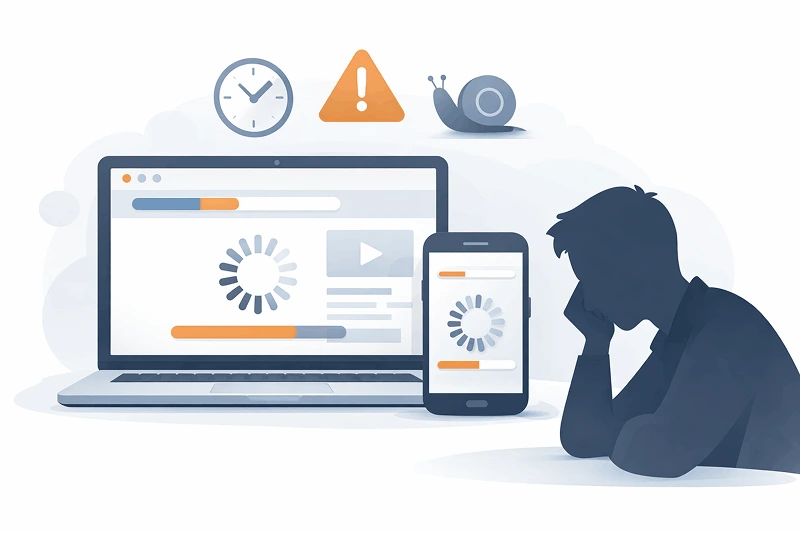
Many small business owners invests in attractive looking websites which have nice colors, fancy fonts, smooth animations but when it comes to conversion they fail in terms of lead generation, user engagement.
The problem is not your product or website traffic. Most of the time the real issue is poor UI decisions.
A high converting website is not just about following design trends it is about clarity, trust and guiding users towards action. And that is how a perfect UI design checklist creates the difference.
In this article you will learn the modern UI design principles and practical steps high converting websites follows, with real business use cases, and zero technical jargon.
What is UI design?
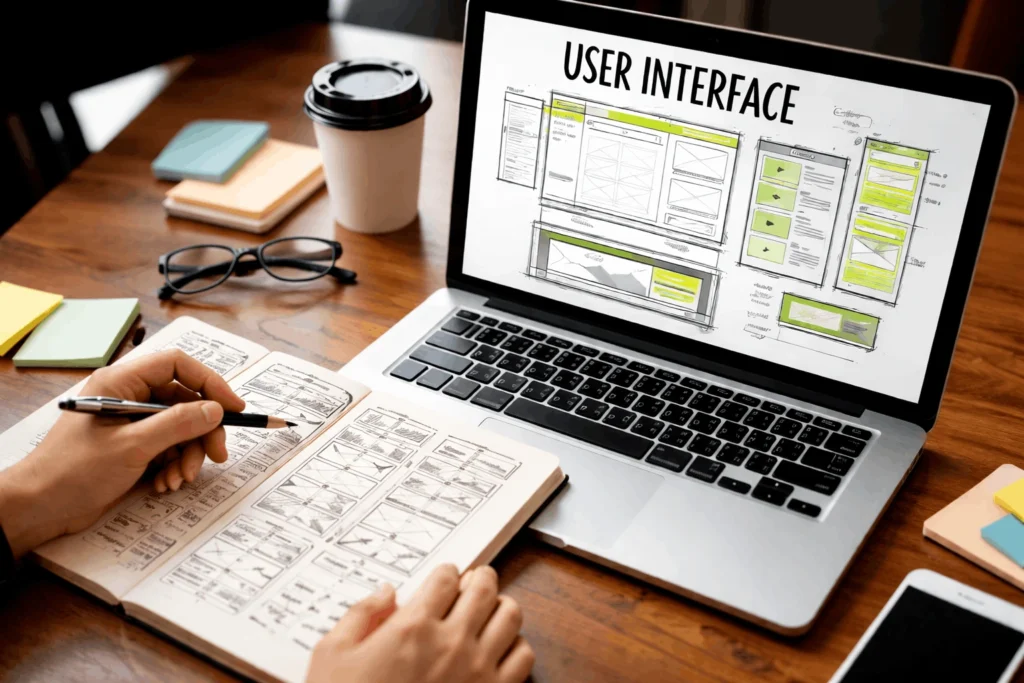
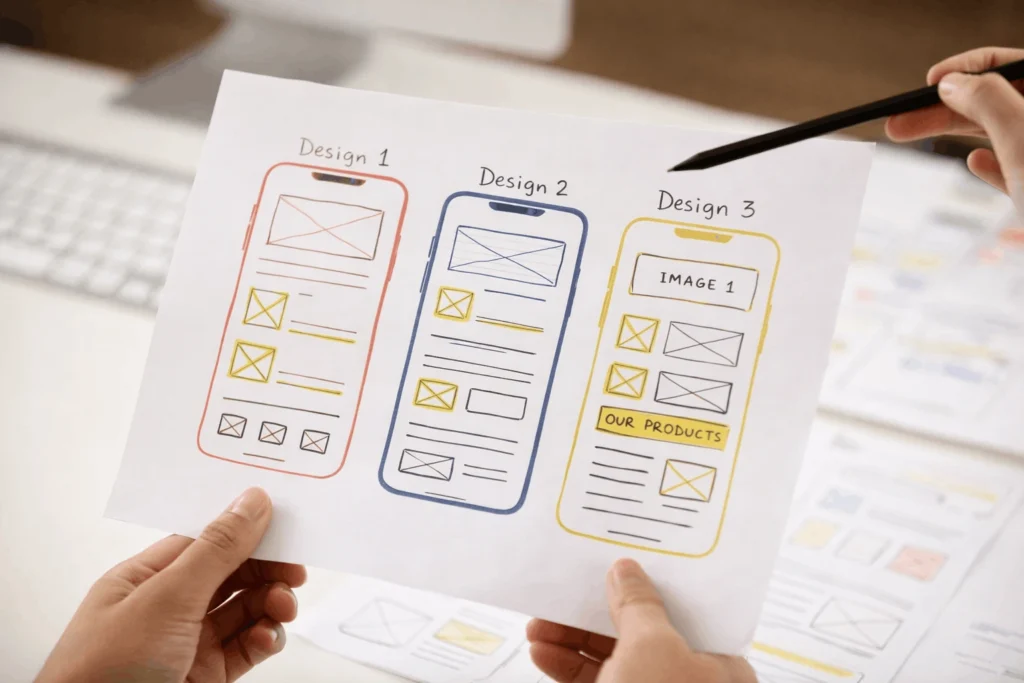
UI design is everything in your website users interact with :
- Buttons
- Layout
- Colors
- Fonts
- Forms
- Navigation
- Spacing
Good UI design helps users understand what the website is about and what to do next.
Bad UI creates confusion and reduces trust, which impacts conversions.
UI design checklist for high converting websites
In this article I will talk about practical UI design checklist for websites which can improve conversion significantly.
1. Clear visual hierarchy
If visitors come to your website and don’t instantly understand :
- What you offer
- Who it's for
- What to do next
- What you offer
You lose them.
Best practices :
- One clear headline for each section.
- Subheadings that guide the eye.
- Important elements placed above the fold.
- Use size, contrast and space strategically.
You lose them.
Example : A service website with one strong headline + One CTA button converts better than pages overloaded with information.
2. Simple and consistent layout
A high performing website UI should be predictable. Visitors should know which element is for what instantly.
UI design best practices :
- Same button styles across pages.
- Consistent fonts.
- Uniform spacing and alignment.
- Reusable layout patterns.
When UI feels familiar, user action becomes quick and their trust increases.
Common mistakes :
Different button styles on different pages = confusion and hesitation
3. High contrast, readable typography.
If visitors find it hard to understand the text, they won’t convert.
User interface design tips :
- Body text : 16 px.
- Strong contrast between text and background.
- Avoid decorative fonts for paragraphs.
- Short line lengths for better readability.
Real scenario :
Many designers use light gray text on white background, which may look modern but kills readability.
Result : Poor user engagement, lower conversion.
4. Buttons that look clickable

Buttons are very important elements of a website as they are decision triggers.
UI design elements for conversion :
- Clear button color contrast.
- Rounded corners feels more clickable.
- Action based text :
” Get free quote “
” Book a demo “
” Start free trial “
Avoid generic labels like “submit” or “Click here”
5. Navigation that doesn't make user think
If users can’t find what they need in 3 seconds, they leave.
Website UI design checklist :
- Max 5-7 main menu items.
- Clear labels.
- Highlight the primary action.
- Sticky header for important pages.
Example : A landing page with no navigation often converts better than one with too many options.
6. Mobile first UI
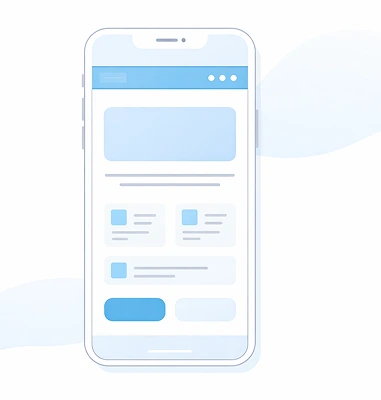
At least 60% of the traffic comes from mobile, yet many websites are still designed desktop first.
Conversion focused UI design tips :
- Thumb friendly buttons.
- No tiny text.
- Forms with fewer fields.
Common mistake :
Designing desktop UI first and adjusting for mobile later.
7. Trust building UI elements
User don’t trust websites, you have to make them.
UI checklist for landing pages :
- Client logos.
- Testimonials with photos.
- Trust badges (SSL, Reviews, Guarantees).
- Clear contact details.
Real world example :
A landing page with testimonials near the CTA often sees 20-30% higher conversions.
8. Forms that are easy, not exhausting
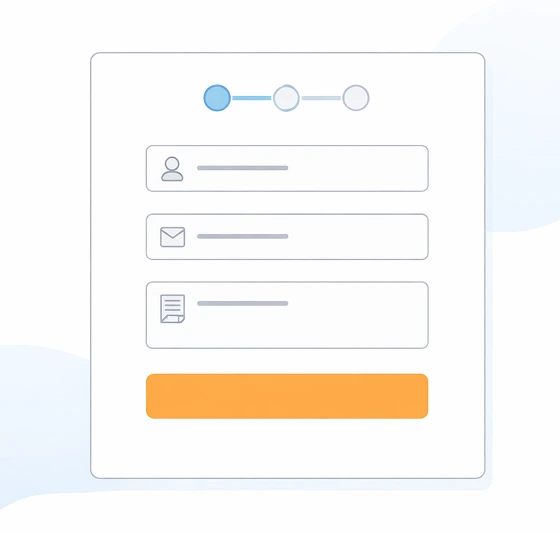
If forms are not created strategically then it can reduce number of forms submitted.
Website UI optimization tips :
- Keep only essential fields.
- Use proper labels.
- Show progress for long forms.
- Clear error messages.
Rule of thumb :
Every extra form field reduces conversions.
9. Page speed-friendly UI design
Heavy UI = Slow site = Low conversions
UI/UX design for conversions includes :
- Optimized images
- Minimal animations
- Lightweight fonts
- Clean layout
UI design can greatly impact website speed
❌ Too many CTAs
Fix : one primary CTA per page.
❌ Over designed pages
Fix : Prioritize clarity over creativity.
❌ Ignoring mobile UX
Fix : Design mobile first.
❌ Trend driven UI
Fix : focus on usability and conversion.
How a strong UI design checklist helps SEO
Good UI increases:
- Time on site
- Page engagement
- Lower bounce rate
- Better core web vitals
Google rewards better user experience. UI design and SEO are not separate, they compliment each other.
Conclusion :
A website is not a design Canvas, it’s a sales machine.
Following a proven UI design checklist ensures your website :
- Convert more visitors.
- Builds trust instantly.
- Support SEO growth.
- Delivers real business results.
Frequently Asked Questions
1. What is a UI design checklist?
A UI design checklist is a complete guide to ensure your website interface is clear, usable and optimized for conversions.
2. How does UI design affect conversions?
Good UI makes everything smooth, builds trust and guides users towards actions, which increases leads and sales.
3. Is UI design important for SEO?
Yes. Better UI improves engagements reduces bounce rate and positively impacts search rankings.
4. What's the difference between UI and UX?
UI focuses on visuals and interactions, while UX focuses on the overall experience. Both are equally important for a modern and high performing website.
5. Should small businesses invest in UI design?
Absolutely. Even a small change in UI can significantly improve conversion rate.